By Darlae | 7 min read | Wedding Planning
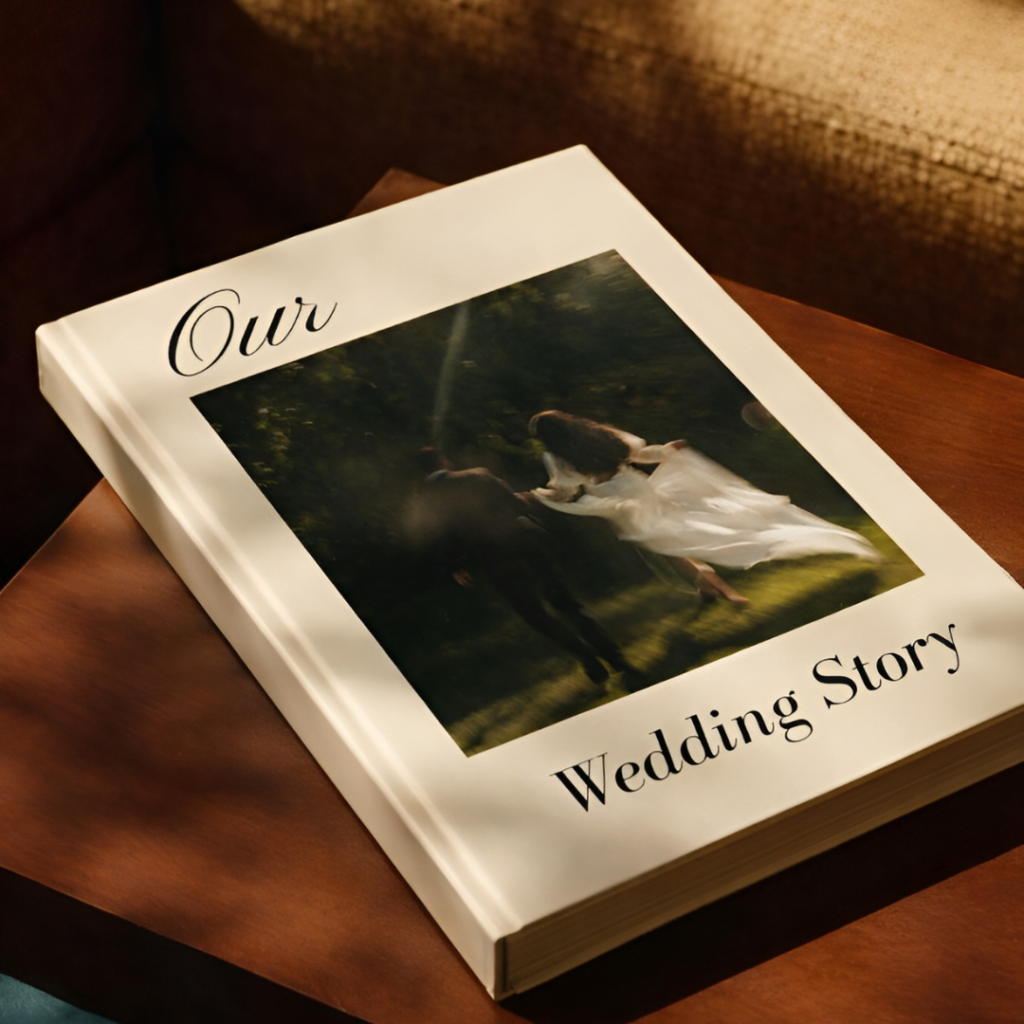
Your wedding day is one of the most magical days of your life — the vows, the tears, the laughter, that first dance. And after the confetti settles, your wedding photos deserve so much more than sitting in a folder on your phone or buried in a Google Drive. They deserve a beautiful, elegant photobook that you can hold, flip through, and treasure for decades.
But where do you actually buy a wedding photobook template? And what should you look for? In this guide, we break down everything you need to know — from what a photobook template actually is, to the best places to buy one, and why Canva-based templates are quickly becoming every bride and groom’s favourite choice.
What Is a Wedding Photobook Template?
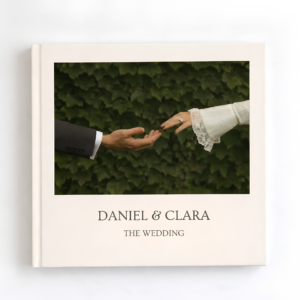
Before we dive into where to buy one, let’s quickly cover what a wedding photobook template actually is. Put simply, it’s a pre-designed layout — usually created by a professional graphic designer — that you can customise with your own wedding photos and personal details.
Instead of starting from a blank page (which can feel overwhelming), you get a beautifully structured design with ready-made page layouts, typography, colour palettes, and decorative elements. All you do is swap in your own photos, add your names and wedding date, and you’re done.
Think of it as hiring a designer — without the designer price tag.
Why Choose a Canva Wedding Photobook Template?
There are many platforms out there, but Canva has become the go-to tool for couples who want a stunning result without needing design skills. Here’s why Canva photobook templates are so popular right now:
No design experience needed. Canva’s drag-and-drop interface means anyone can create a professional-looking photobook in a matter of hours.
Works on any device. Whether you’re on your laptop at home or your tablet on the go, Canva works seamlessly everywhere.
Instant access after purchase. No waiting, no downloads. You get a link and can start editing immediately.
Print-ready quality. Export as a high-resolution PDF and send straight to your favourite printer.
Free to use. Most premium templates work perfectly with a free Canva account — no Pro subscription required.
Where Can You Buy a Wedding Photobook Template?
Here’s a look at the most popular places couples shop for wedding photobook templates today:
Darlae
Darlae is a dedicated photobook template shop that creates premium Canva designs with a luxury, minimalist aesthetic. Every template is print-ready, fully editable, and works with a free Canva account. If you want a polished, timeless result without spending hours designing from scratch, Darlae is the place to start.
Etsy
Etsy is a large marketplace of independent designers, and you’ll find hundreds of wedding photobook templates there. Quality varies widely though — always check reviews, read the product description carefully, and look at full page previews before you buy.
Creative Market
Creative Market is well-known for high-quality design assets and attracts professional designers. Templates here tend to be more complex and are priced on the higher end, but the quality is generally strong.
Canva’s Built-in Marketplace
Canva has its own library of built-in templates, including some free options. However, the selection is limited compared to dedicated shops, and the designs tend to lack the personalised, premium feel you’d get from a specialist creator.
Pro tip: When buying on any marketplace, always look for templates that show real preview images of every page — not just the cover. You want to see exactly what you’re getting before you buy.
What to Look for in a Wedding Photobook Template
Not all templates are created equal. Before you buy, here are the key things to check:
Number of pages. Make sure it has enough spreads for all your favourite shots. Most couples have 30 to 80 photos they want to include, so look for a template with a variety of single-photo and multi-photo layouts.
Print dimensions. Check that the template is sized correctly for your chosen printer. Common sizes are A4, A5, or 12×12 inches. The product description should always list the dimensions clearly.
Aesthetic style. Do the fonts, colours, and layouts match the vibe of your wedding? Rustic? Modern? Classic romantic? Pick a template that feels like you — not just one that looks pretty in the thumbnail.
Ease of editing. The best templates are intuitive. You should be able to replace a photo with one click, not fiddle with complicated layers or grouped elements.
Seller support. Does the shop offer help if you get stuck? Good sellers provide clear instructions and are available to assist if something isn’t working.
How to Use a Wedding Photobook Template: Step by Step
If you’ve never used a Canva template before, don’t worry — it’s genuinely straightforward. Here’s how it works from purchase to print:
Step 1 — Buy your template. Visit the shop, choose your design, and complete your purchase. You’ll receive an instant link to your Canva template — no waiting around.
Step 2 — Open in Canva. Click the link and it’ll open directly in Canva. Hit “Use template” to create your own personal copy that you can freely edit.
Step 3 — Add your photos. Upload your wedding photos from your device or Google Drive and drag them into the placeholder frames. Canva makes it easy to resize and reposition each image.
Step 4 — Personalise the details. Change the names, dates, and any text. Adjust colours or fonts if you’d like. Make it completely yours.
Step 5 — Export and print. Download your finished photobook as a high-quality PDF and send it to your local print shop or an online printing service.
Many couples tell us they completed their entire wedding photobook in under an hour. That’s the magic of a well-designed template.
Why Darlae Is the Perfect Place to Buy Your Wedding Photobook Template
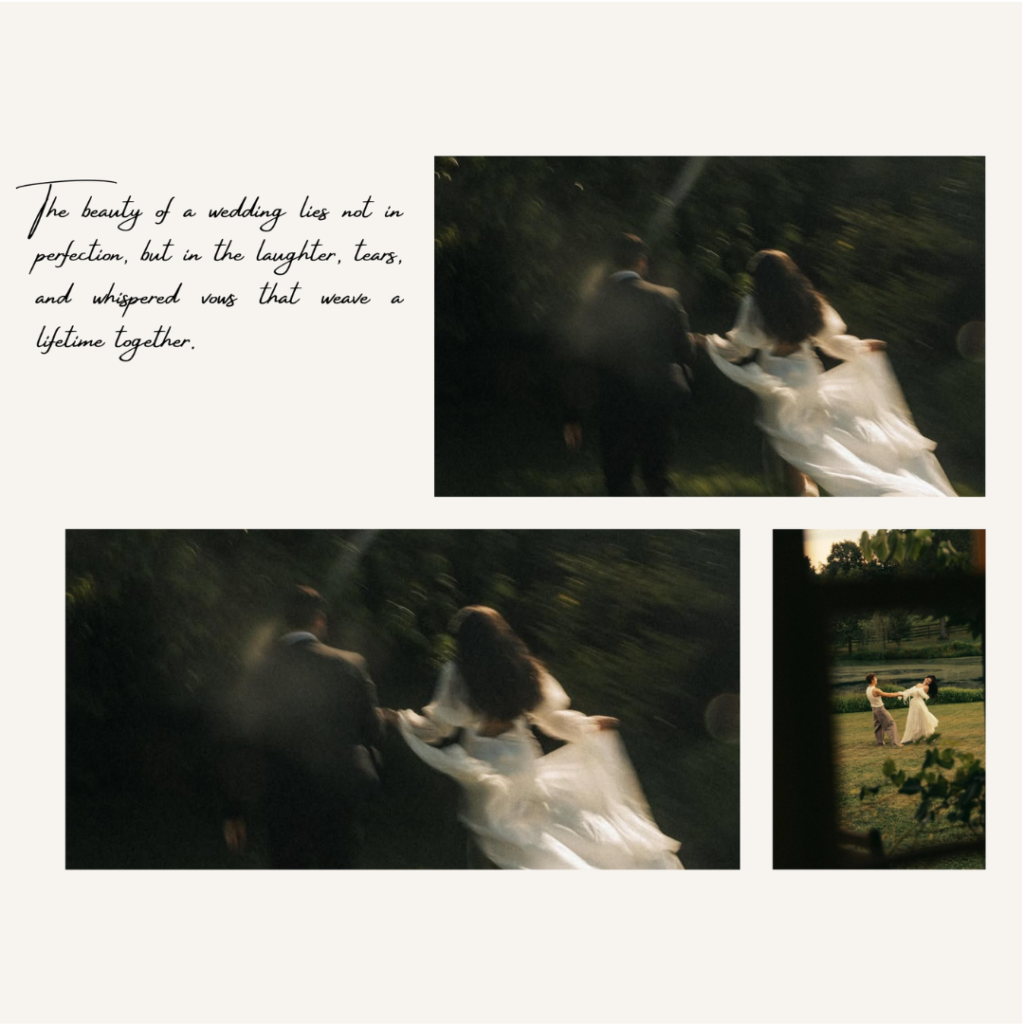
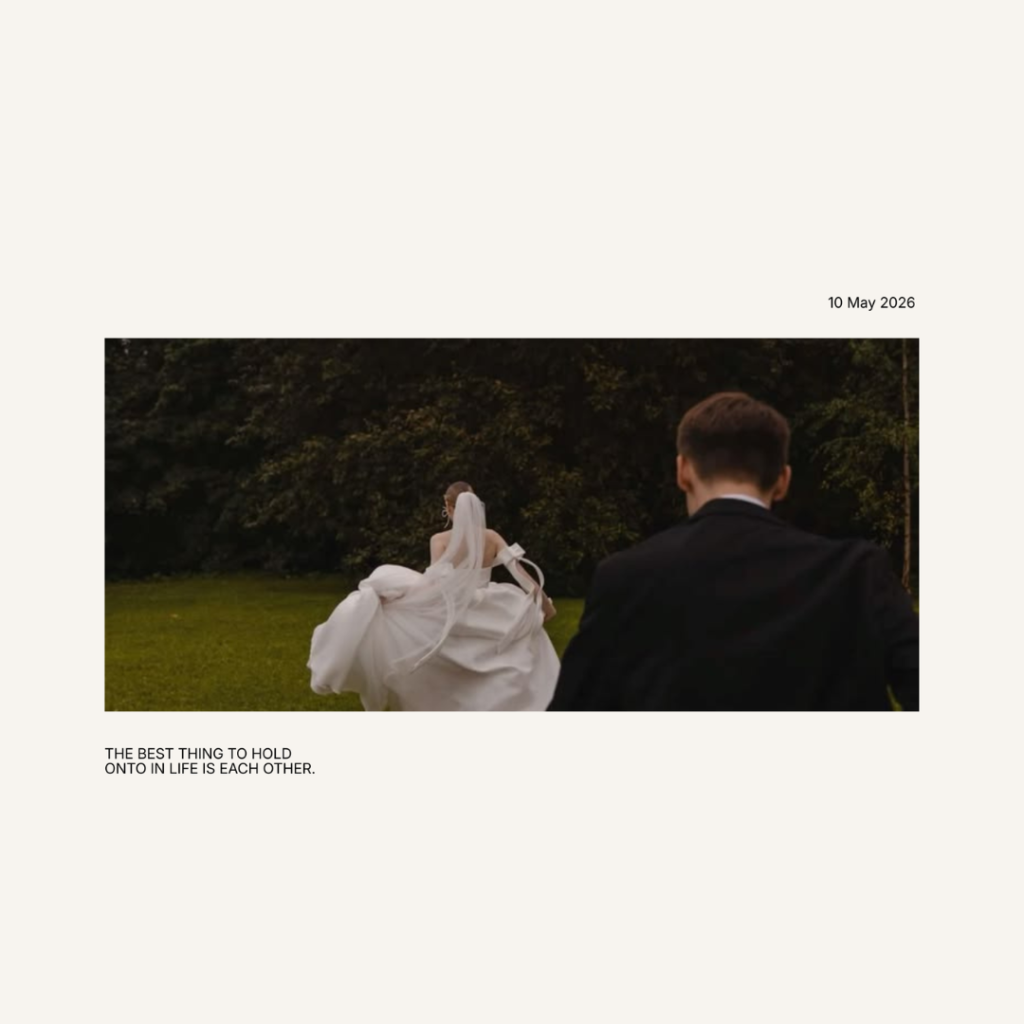
At Darlae, we create premium Canva photobook templates designed specifically for life’s most meaningful moments. Our wedding collection is crafted with a luxury, minimalist aesthetic — clean layouts, elegant typography, and thoughtful page designs that let your photos do all the talking.
Every Darlae template is fully editable in Canva with no design experience required, compatible with Canva Free, delivered instantly after purchase, designed for both digital keepsakes and professional printing, and crafted to look timeless rather than trendy.
Whether you’re a couple creating your first wedding album together or a family member putting together a heartfelt gift, our templates make the process feel effortless and the result feel extraordinary.
Final Thoughts
Your wedding photos are irreplaceable. They capture not just how things looked, but how everything felt — the nervousness before the ceremony, the joy at the altar, the warmth of everyone you love gathered in one place. A beautifully designed photobook gives those memories a permanent, tangible home.
The good news? Creating one has never been easier or more affordable. With the right template, you can go from a folder of photos to a stunning, print-ready photobook in just an afternoon.
Ready to get started? Browse Darlae’s full collection of luxury wedding photobook templates at darlaeart.com and find the perfect design for your love story.
Darlae — Premium Canva photobook templates for life’s most meaningful moments.
Frequently Asked Questions
Where can I buy a wedding photobook template?
You can buy wedding photobook templates from digital design marketplaces and specialized template stores like Darlae. These templates provide professionally designed layouts that can be customized with your own wedding photos and details.
Are wedding photobook templates editable in Canva?
Yes. Many wedding photobook templates are fully editable in Canva. You can easily replace photos, change fonts, edit text, adjust colors, and personalize the design without needing advanced graphic design skills.
What is the difference between a wedding photobook template and a wedding album?
A wedding photobook template is a pre-designed digital layout that serves as a starting point for creating your album. A wedding album is the finished product after you have added your photos, customized the pages, and either saved or printed the design.
Can I print a wedding photobook after editing the template?
Absolutely. Once you have customized your wedding photobook template, you can export it as a high-quality PDF and print it through Canva, a professional printing company, or a local print shop.
What should I look for when choosing a wedding photobook template?
Look for a template with an elegant design, easy customization options, high-resolution layouts, sufficient page count, and compatibility with Canva. Choosing a style that matches your wedding aesthetic will help create a timeless keepsake.