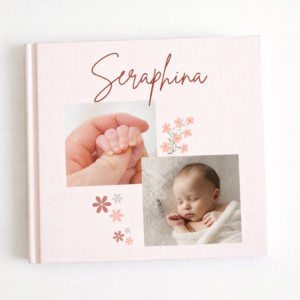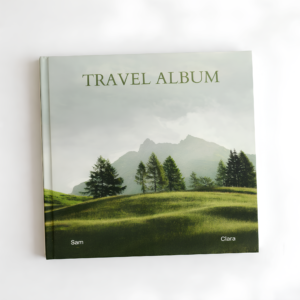
The layout of a birthday photo book determines how the photographs, memories, and messages work together on each page. A good layout does not simply fit photographs into available space. It gives each memory the right amount of attention.
Whether you are creating a birthday album for a parent, partner, sibling, child, or best friend, these 20 birthday photo book layout ideas can help you decide how to arrange your pages.
1. The Hero Photograph Layout
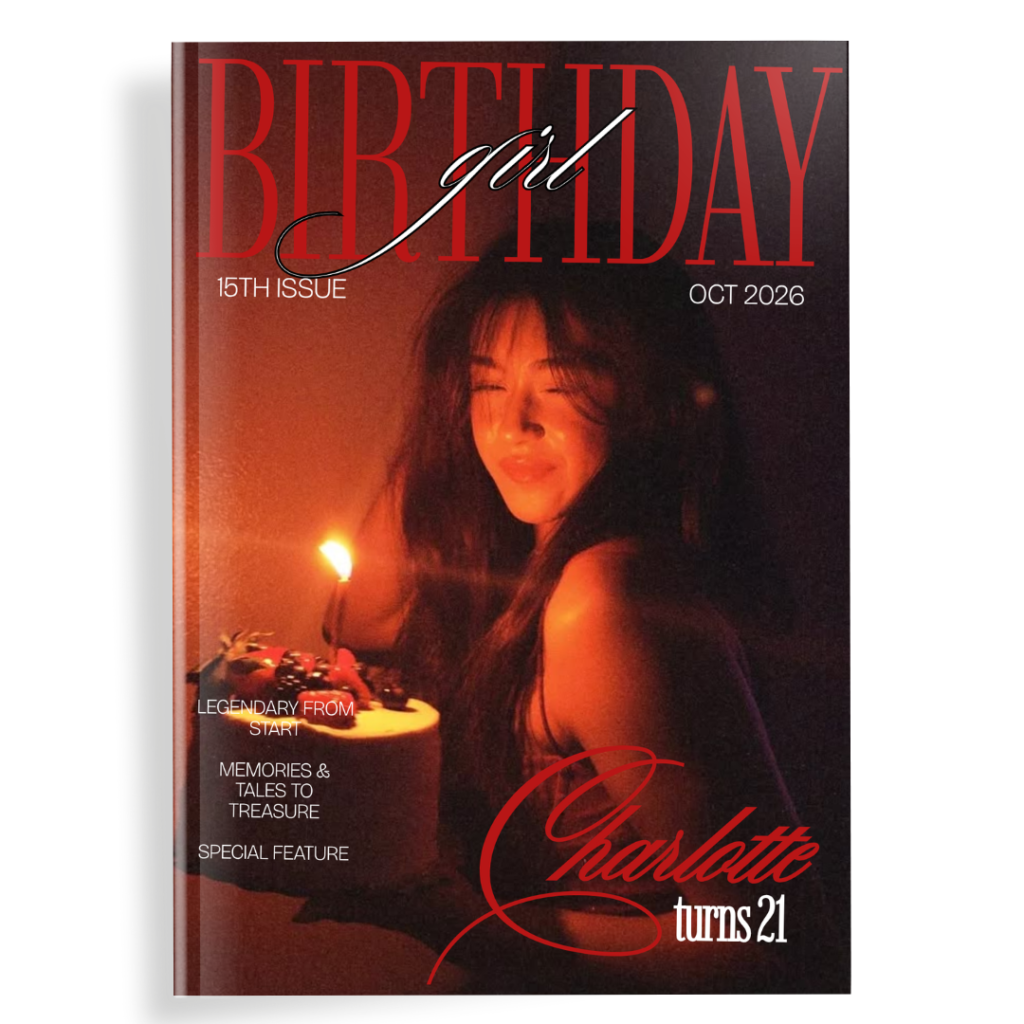
Place one important photograph across most or all of the page.
This works particularly well for:
- Birthday portraits
- Family photographs
- Milestone moments
- Favorite travel photographs
Add only a small caption or date so the photograph remains the focus.
2. The Two-Photo Story
Place two photographs together that tell the same story.
For example, use one photograph from the beginning of a trip and another from the end.
This layout is simple but creates an immediate connection between the images.
3. The Three-Photo Balance
Use three photographs with one larger image and two smaller supporting images.
The larger photograph becomes the visual anchor while the smaller images provide additional context.
4. The Four-Corner Grid
Divide the page into four balanced areas and place one photograph in each.
This works particularly well for:
- Family members
- Different stages of life
- Four destinations
- Four important memories
5. The Polaroid Grid
Arrange several photographs as if they were physical Polaroid prints.
You can add short handwritten-style captions underneath each image.
This layout is particularly effective for friendship and scrapbook-style birthday albums.
6. The Full-Bleed Spread
Use one photograph across the entire two-page spread.
This works best with photographs that have enough resolution and visual space.
Landscape photographs are particularly suitable.
7. The Before-and-After Layout
Place an old photograph next to a recent photograph.
You can use this for:
- Childhood vs adulthood
- Old family photographs
- Then-and-now portraits
- Places revisited years later
8. The Timeline Layout
Arrange photographs chronologically along a visual timeline.
Add years or dates beneath each image.
This is especially useful for milestone birthdays.
9. The Photo Strip
Arrange several narrow photographs vertically or horizontally, similar to a film strip.
This creates a cinematic appearance and works well for a series of photographs from one event.
10. The Birthday Party Collage
Combine photographs from one birthday celebration into a single spread.
Include:
- Cake
- Decorations
- Guests
- Candid moments
- Group photographs
11. The Memory + Caption Layout
Use one photograph alongside a short paragraph describing the memory behind it.
This works well when the story is more important than the number of photographs.
12. The Monthly Layout
Choose one photograph for each month of the previous year.
Arrange them as a 12-image grid.
This creates a visual record of the birthday person’s year.
13. The Photo Dump Layout
Use several smaller photographs together without forcing them into a strict chronological order.
This is ideal for casual photographs such as selfies, meals, screenshots, and everyday moments.
14. The Portrait + Details Layout
Use one large portrait alongside smaller photographs showing details.
For example:
Main image: Birthday portrait
Smaller images: Favorite food, pet, hobby, travel, friends
This creates a visual introduction to the person’s current life.
15. The Quote + Photograph Layout
Use a meaningful sentence or short quote as the main design element and pair it with one photograph.
This gives the album a quieter page between larger photo collages.
16. The Family Tree Layout
Arrange photographs of family members around a central photograph.
This works particularly well for parents and grandparents.
17. The Destination Layout
Give each travel destination a photograph, location name, and date.
You can dedicate one page or spread to each major trip.
18. The Memory Cards Layout
Arrange photographs like small cards or snapshots.
Each photograph can have:
- Date
- Location
- Short caption
This is especially useful when you have many small memories to document.
19. The Letter + Photograph Layout
Dedicate one page to a personal letter and the opposite page to a photograph.
This works particularly well toward the end of the album.
20. The Closing Photograph Layout
Finish the album with one strong photograph and very little text.
A simple birthday wish or date can be enough.
How to Combine Different Layouts
The best birthday photo books rarely use only one layout.
For example:
Opening: Hero photograph
Childhood: Grid
Family: Two-photo layouts
Travel: Full-bleed photographs
Friends: Polaroid grid
Birthday: Collage
Messages: Text-focused pages
Ending: Letter + photograph
This creates visual variety while keeping the overall album cohesive.
How Many Layouts Should You Use?
For a 30-page album, you do not need 30 completely different designs.
Instead, choose approximately 5–8 core layouts and repeat them strategically.
Change the photographs, captions, colors, or proportions while maintaining a consistent design system.
How to Choose the Right Layout for a Photograph
Consider what the photograph is trying to communicate.
Important single memory: Hero layout
Several photographs from one event: Collage
Two connected moments: Two-photo layout
Life progression: Timeline
Many casual memories: Photo dump
Emotional message: Letter + photograph
The photograph should determine the layout rather than the other way around.
Using a Birthday Photo Book Template
A pre-designed template can be useful if you want multiple coordinated layouts without designing each page from scratch.
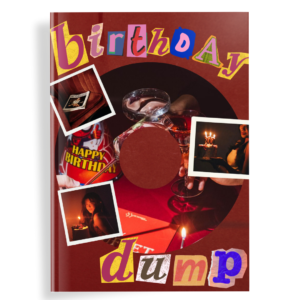
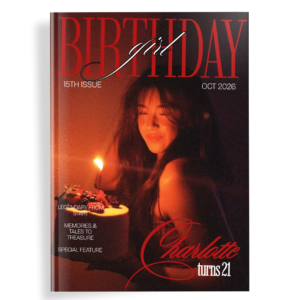
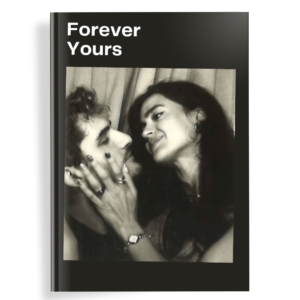
Darlae’s Aesthetic Birthday Photo Book provides a 32-page Canva template with a contemporary visual direction for creating a polished birthday album. Aesthetic Birthday Photo Book – Darlae
For a more layered and playful result, Darlae’s Scrapbook Birthday Photobook uses scrapbook-inspired elements such as Polaroid-style frames, film strips, stickers, ribbons, and handwritten-style details. Scrapbook Birthday Photobook – Darlae
Frequently Asked Questions
What is the best layout for a birthday photo book?
There is no single best layout. Combining full-page images, grids, collages, timelines, and text-focused pages usually creates a more interesting album.
How many photos should go on a photo book page?
One to five photographs works for many standard layouts. Collage pages can accommodate more.
What layout works best for a milestone birthday?
Chronological timelines, then-and-now comparisons, and life-stage layouts work particularly well for milestone birthdays.
Should every page have a different layout?
No. Reusing a few strong layouts creates consistency. The key is to vary the content and visual rhythm.
Tags: birthday photo book layout ideas, photo book layouts, birthday album layouts, photo album ideas, Canva photo book, birthday scrapbook layout, photobook design