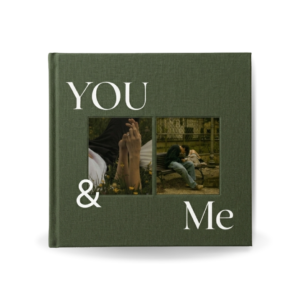
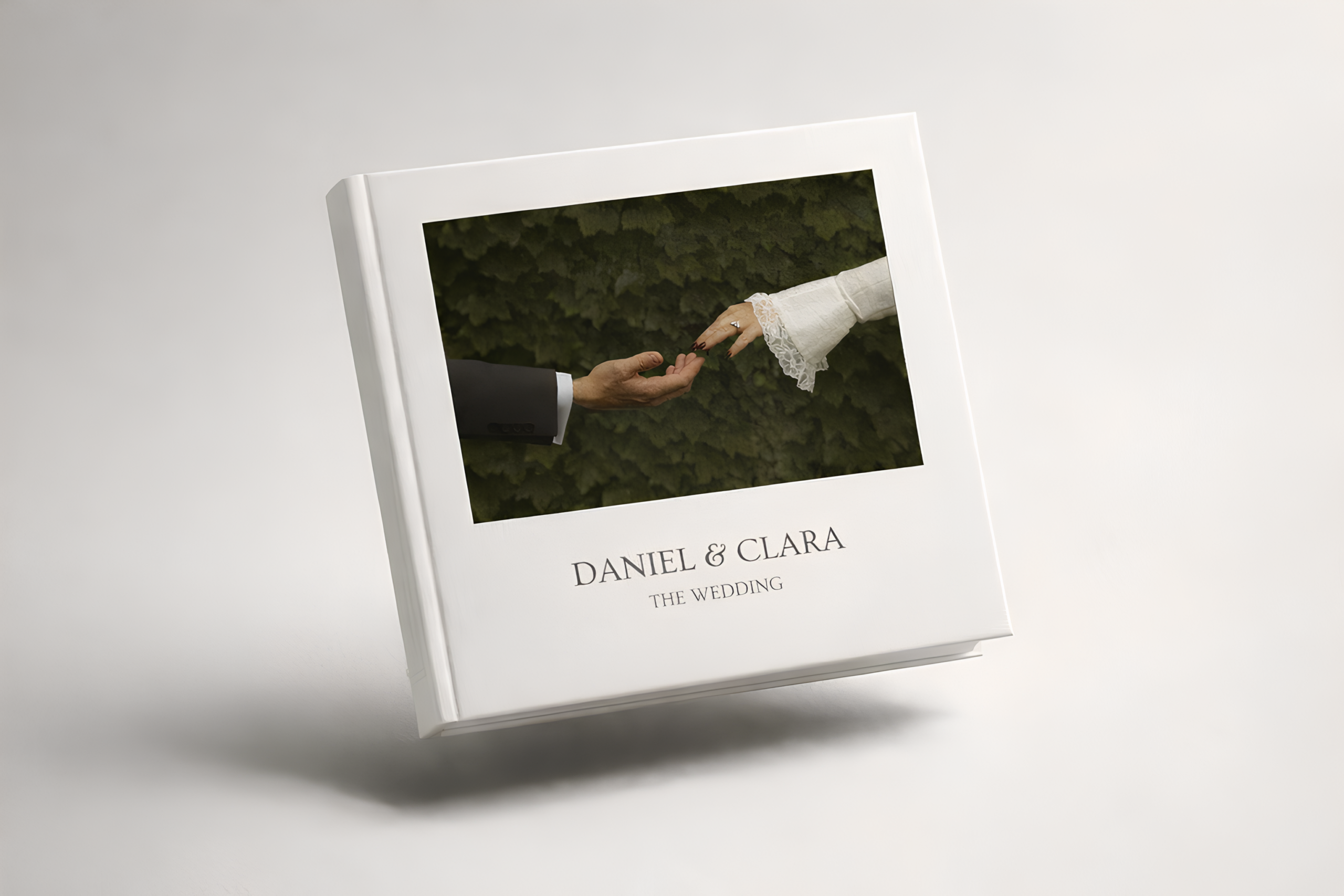
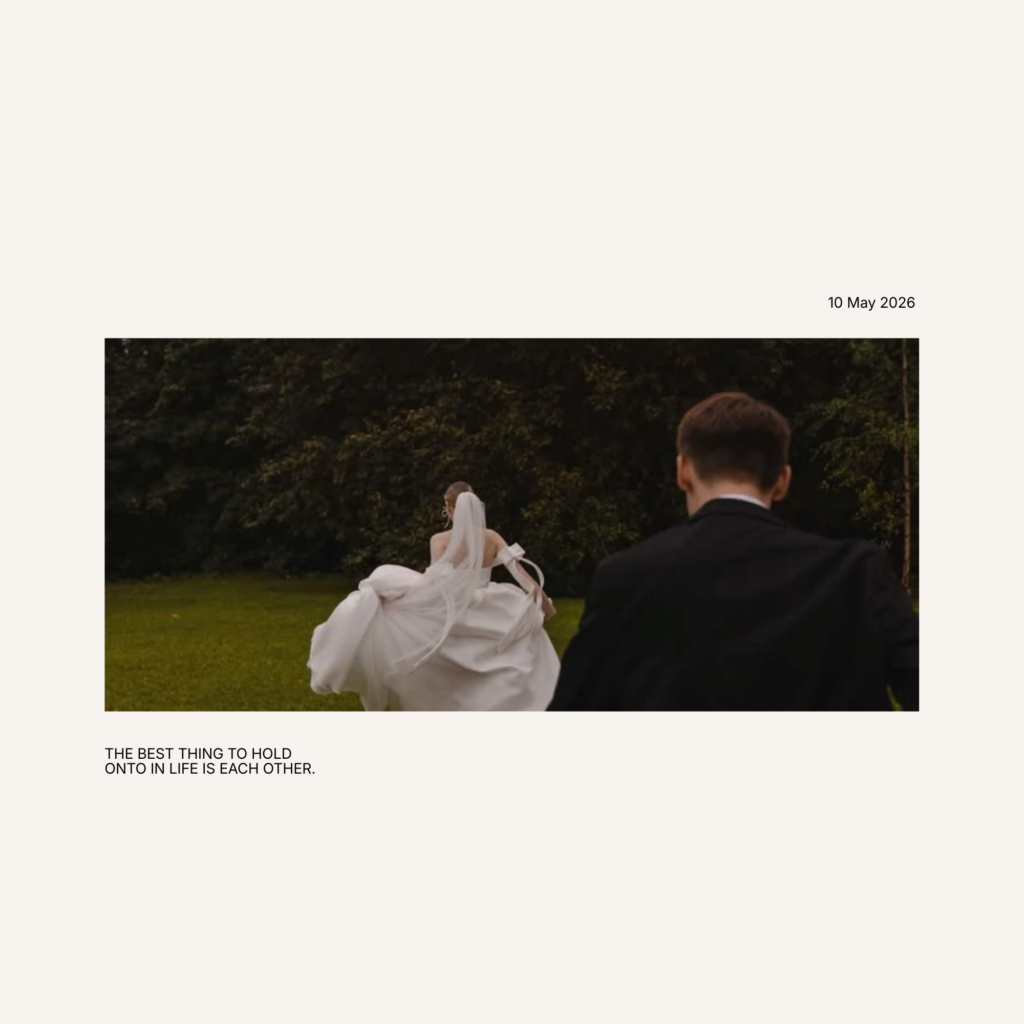
You’ve got hundreds of beautiful wedding photos sitting on your phone or laptop, and you know they deserve better than a forgotten folder. You want to turn them into something real — something you can hold, display, and pass down. A Canva wedding photobook template is the answer. But with so many options out there, how do you know which one is actually the best?
In this guide, we break down exactly what makes a great Canva wedding photobook template, what to look for before you buy, and why couples are choosing Darlae as their go-to destination for luxury wedding photobook designs.
What Makes a Wedding Photobook Template “The Best”?
Not every template deserves that title. The best wedding photobook template for Canva is one that combines beautiful design with practical usability. It should look stunning in print, be easy to edit without any design skills, and feel personal enough to truly represent your love story.
Here is what separates a great template from an average one:
Timeless design over trendy aesthetics. Trends fade. Your wedding photobook should still look elegant ten, twenty, thirty years from now. The best templates use clean layouts, refined typography, and a restrained colour palette that never goes out of style.
Variety of page layouts. A single repeated layout gets boring fast. Look for templates that offer a mix of full-page spreads, multi-photo grids, text pages, and detail shots so your story flows naturally from page to page.
High print resolution. A template that looks good on screen but pixelates when printed is useless. The best Canva wedding photobook templates are designed at 300 DPI or higher, ensuring sharp, professional results every time.
Ease of customisation. You should be able to swap a photo in seconds, not minutes. The best templates use simple placeholder frames and clearly editable text boxes so the process feels effortless.
Works with Canva Free. Not everyone has a Canva Pro subscription, and the best templates should not require one. Look for designs that are fully functional on a free Canva account.
Why Canva Is the Best Tool for Wedding Photobooks
Before we get into the templates themselves, it is worth understanding why Canva has become the platform of choice for couples creating their own wedding photobooks.
Canva is a browser-based design tool that requires zero design experience. Everything works on a simple drag-and-drop system, meaning you can upload your wedding photos and place them exactly where you want them in just a few clicks. It works on desktop, tablet, and mobile, so you can edit from anywhere. And once you are happy with your design, you can export it as a high-quality PDF that is ready to send straight to a printer.
No software to install. No complicated file formats. No design degree required.
For couples who want a beautiful result without the stress, Canva is the perfect tool — and a premium template is what takes it from good to extraordinary.
What to Look for When Buying a Canva Wedding Photobook Template
With so many templates available across different platforms, it helps to know exactly what to check before you commit to a purchase.
Check the page count. A good wedding photobook template should have enough page layouts to accommodate all your favourite moments — from the getting-ready shots to the first dance and everything in between. Look for templates with at least 20 to 30 pages, ideally with a mix of layout styles.
Look at every page, not just the cover. The cover is always the most polished part of any template preview. Ask to see the interior pages before buying so you know exactly what you are getting throughout the entire book.
Confirm the dimensions. Make sure the template size matches what your printer accepts. Standard sizes include A4, A5, and square formats like 12×12 inches. This information should always be listed clearly in the product description.
Read the reviews. Whether you are shopping on Etsy, a dedicated template shop, or another marketplace, reviews from real buyers tell you more than any product description can. Look for comments about ease of editing, print quality, and seller support.
Check if Canva Pro is required. Some templates use Canva Pro elements that are locked behind a paid subscription. Always confirm that a template works with Canva Free unless you already have Pro.
The Best Wedding Photobook Template for Canva: Darlae
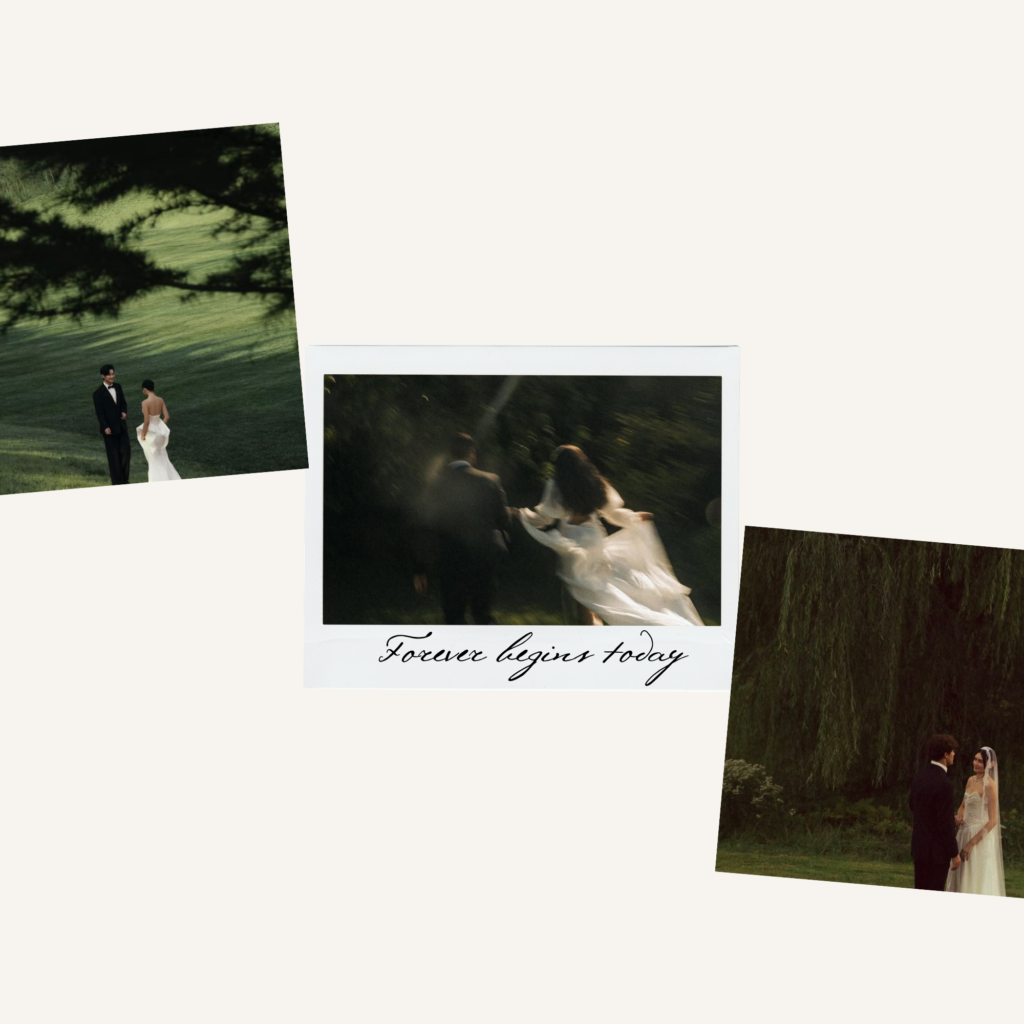
When it comes to luxury, minimalist wedding photobook templates for Canva, Darlae stands out as one of the best options available today.
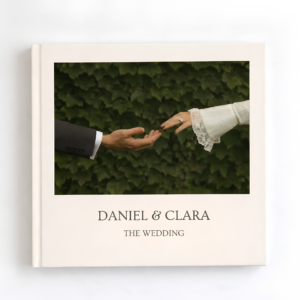
Darlae was built specifically to help couples preserve their most meaningful memories in a way that feels premium and personal. Every template in the Darlae wedding collection is designed with a refined, timeless aesthetic — clean white space, elegant serif typography, and thoughtful layouts that put your photography front and centre.
Here is what makes Darlae templates the best choice for couples:
Luxury design without the luxury price. Darlae templates are crafted to the standard you would expect from a professional designer, but at a fraction of the cost. You get a high-end result without hiring anyone.
Fully editable in Canva. Every template is built for Canva’s drag-and-drop editor. Replacing photos, updating names and dates, and personalising the layout takes minutes, not hours.
Compatible with Canva Free. You do not need a Canva Pro subscription to use Darlae templates. Everything works on a free account unless otherwise stated in the product description.
Instant digital delivery. The moment your purchase is complete, you receive your Canva template link. No waiting, no shipping, no delays. You can start editing the same day.
Print-ready and export-friendly. Every Darlae template is designed at professional print resolution, so your finished photobook looks just as beautiful in print as it does on screen.
Designed for real couples. Darlae templates are not generic. They are designed with wedding photography in mind — the golden hour portraits, the candid moments, the wide reception shots — so every layout is optimised to show your photos at their best.
You can browse the full collection of Darlae wedding photobook templates here: wedding photobooks
How to Create Your Wedding Photobook Using a Darlae Template
Once you have chosen your template, the process is simple and enjoyable. Here is exactly how it works:
Step 1 — Purchase and receive your template link. Complete your purchase on the Darlae website and receive instant access to your Canva template via a unique link delivered to your inbox.
Step 2 — Open the template in Canva. Click the link and it will open directly in Canva. Select “Use template” to create your own editable copy. This keeps the original intact so you can always start fresh if needed.
Step 3 — Upload your wedding photos. Use Canva’s upload feature to bring in your photos from your device, Google Drive, or Dropbox. Drag each photo into the placeholder frames across your chosen pages.
Step 4 — Customise the text and details. Add your names, wedding date, venue, and any captions or personal messages. You can adjust fonts and text sizes to suit your preference.
Step 5 — Review and finalise. Scroll through every page and make sure you are happy with how everything looks. Canva lets you zoom in to check photo placement and text alignment before you export.
Step 6 — Download and print. Export your completed photobook as a PDF Print file at the highest quality setting. Send it to your local print shop or an online printing service to bring it to life as a physical book.
Final Thoughts
Your wedding photos are among the most precious images you will ever take. They capture something that can never be recreated — the emotion, the atmosphere, the people, the love. A beautifully designed photobook gives those moments a permanent home.
The best Canva wedding photobook template is one that honours your photos with elegant design, makes the editing process feel simple and enjoyable, and produces a result you are genuinely proud to display.
That is exactly what Darlae was built to deliver.
If you are ready to turn your wedding photos into something truly beautiful, explore the full Darlae wedding photobook collection and find the template that feels like yours:
Frequently Asked Questions About Canva Wedding Photobook Templates
Do I need Canva Pro to use these templates?
No. Darlae templates are designed to work with a free Canva account. If any Pro elements are included in a specific template, it will be clearly noted in the product description.
Can I print my photobook after editing in Canva?
Yes. Once you have finished editing, simply export your design as a high-resolution PDF from Canva. This file can be sent to any professional printer or used with an online print-on-demand service.
How many photos can I include?
This depends on the number of pages in the template and the layout styles you choose. Most Darlae templates support anywhere from 30 to 80 photos comfortably. You can also duplicate pages within Canva if you need more space.
Is my purchase a physical product?
No. Darlae sells digital templates only. You will receive a Canva link instantly after purchase and no physical item is shipped. You can then take your completed design to any printer of your choice.
Can I edit the template on my phone?
Yes. Canva works on mobile through the Canva app, allowing you to edit your photobook from your phone or tablet as well as your desktop computer.
Darlae — Premium Canva photobook templates for life’s most meaningful moments.