A 50th birthday deserves more than a generic photo album — but with so many ways to make a photo book today, picking the right method can be confusing. Do you use a printing app, hire a designer, or DIY it yourself? This guide breaks down the three main options so you can choose the one that fits your budget, timeline, and design skills.
Option 1: Photo Printing Apps (Shutterfly, Mixbook, Snapfish, etc.)
How it works: Upload photos into a pre-set app layout, add basic text, and order a printed book.
Pros:
- Fast and beginner-friendly
- Printing is bundled in — one checkout, done
- Decent for simple, photo-heavy books
Cons:
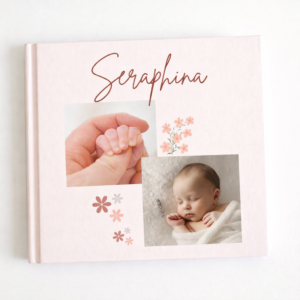
- Limited design flexibility — layouts feel generic and “templated”
- Harder to achieve an editorial or Pinterest-style aesthetic
- Customization options are basic (fonts, colors, stickers)
Best for: People who want something functional and fast, without much design customization.
Option 2: Custom Design Services
How it works: Hire a freelance designer or boutique studio to build a fully bespoke photo book from your photos.
Pros:
- Fully custom, professional-grade design
- No design skills needed on your end
- Can incorporate unique requests (illustrations, specific themes)
Cons:
- Expensive — often $150–$500+ depending on scope
- Longer turnaround (days to weeks)
- Requires back-and-forth revisions
Best for: Big-budget milestone gifts where cost and timeline aren’t a concern.
Option 3: DIY Canva Templates
How it works: Use a pre-designed, editable Canva template — drop in your own photos and text, then export or print.
Pros:
- Affordable — usually a one-time low-cost purchase
- Editorial, aesthetic layouts without needing design skills
- Full control over pacing, order, and content
- Fast — most people finish in a few hours
Cons:
- Requires a little hands-on time (though far less than starting from scratch)
- Print quality depends on where you send the finished file
Best for: People who want a polished, aesthetic result without the app-generic look or designer price tag.
Where Darlae’s Template Fits In
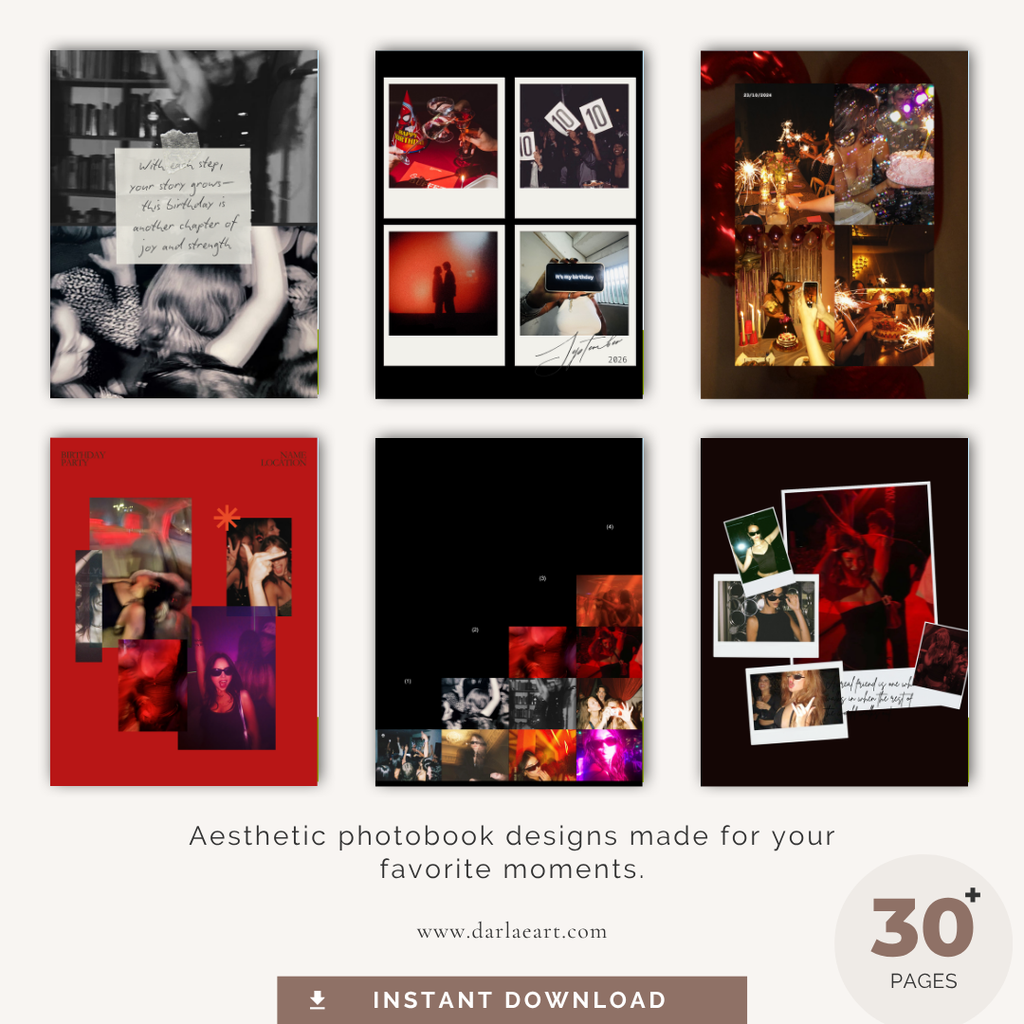
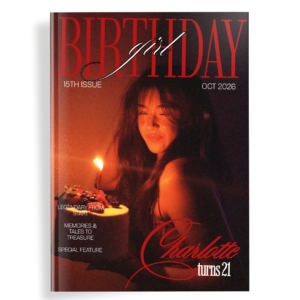
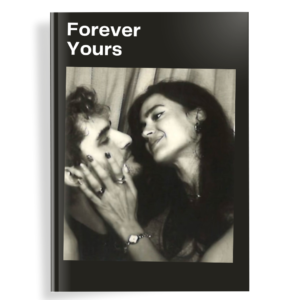
The Aesthetic Birthday Photo Book template falls into this third category, built specifically to solve the biggest complaint people have with printing apps: layouts that look flat or generic.
What makes it a strong pick for a 50th birthday specifically:
- 32 pages / 15 spreads — enough room for a full decade-by-decade story
- No Canva Pro required — works on a free account
- Fully editable — swap photos, edit captions, rearrange pages freely
- Instant delivery — get the file by email right after purchase, start designing same day
Quick Customization Walkthrough
- Open the template link in Canva (free account works)
- Replace placeholder photos with your own — drag and drop
- Edit captions, names, and dates directly on each page
- Reorder or duplicate spreads if you need more pages
- Download as PDF and send to your preferred printer (or order directly through Canva Print)
Most people go from blank template to finished, print-ready file in an afternoon.
Which Option Should You Choose?
| Priority | Best Option |
|---|---|
| Lowest cost | DIY Canva template |
| Fastest turnaround | Photo printing app or Canva template |
| Fully custom design | Custom designer |
| Best aesthetic-to-cost ratio | DIY Canva template |
For most people planning a 50th birthday gift, a template like Darlae’s hits the sweet spot — the editorial look of a custom design, without the price tag or wait time.