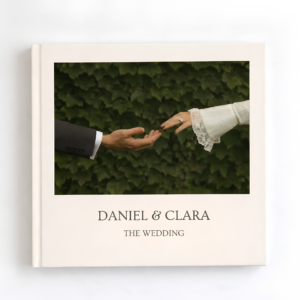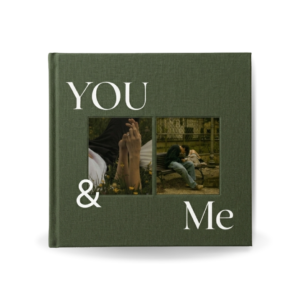
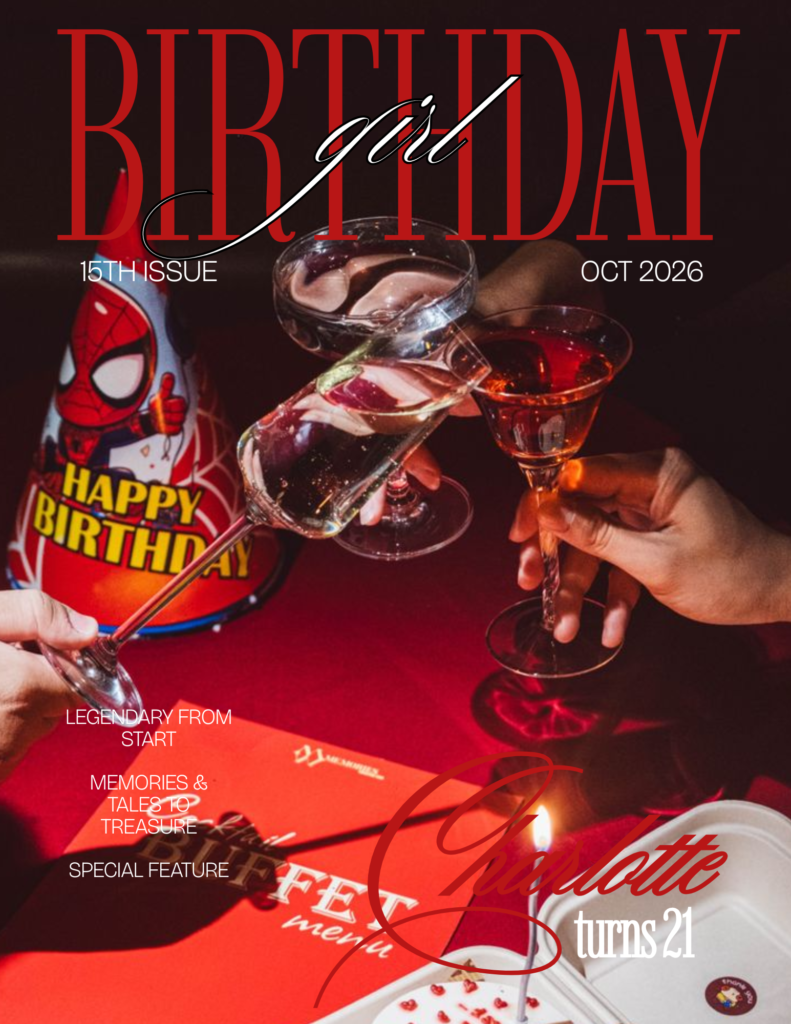
If your Pinterest or Instagram feed has been full of aesthetic, magazine-style photo spreads lately, you’ve probably already seen a birthday photobook — even if you didn’t know the name for it. Here’s what they actually are, why they’ve taken off, and how to make one yourself without any design experience.
What Is a Birthday Photobook?
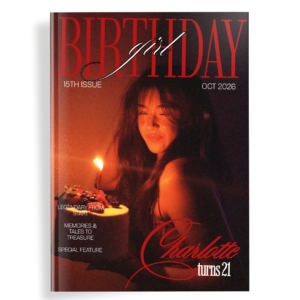
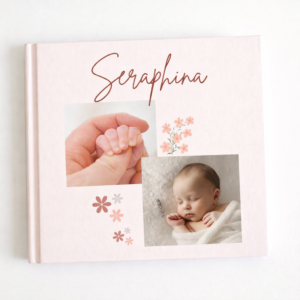
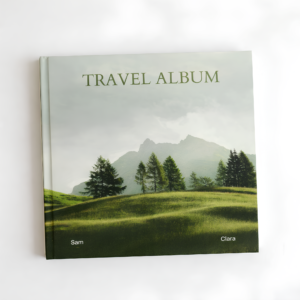
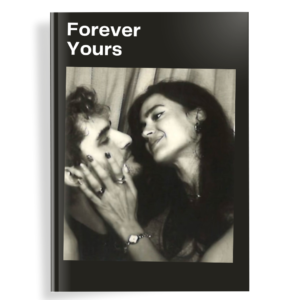
A birthday photobook is a designed, multi-page photo collection created to celebrate a specific birthday — think of it as a cross between a photo album and a personalized magazine. Instead of simply slotting printed photos into plastic sleeves, each page is intentionally laid out with collages, captions, quotes, and themes built around the birthday person’s life or personality.
Unlike a traditional photo album, a birthday photobook usually has:
- A designed cover (often with bold typography, not just a plain photo)
- Curated page themes — timelines, tribute pages, favorites lists — rather than just chronological photo dumps
- A consistent aesthetic throughout, similar to an editorial magazine layout
Why Birthday Photobooks Have Replaced Traditional Scrapbooks
Scrapbooking used to be the go-to way to create a personalized birthday keepsake, but it came with real friction: cutting, gluing, buying supplies, and hours of manual layout work. Birthday photobooks solve the same emotional need — a personal, photo-based keepsake — without the physical craft-project overhead.
A few reasons they’ve overtaken scrapbooks and basic photo albums:
- Design without the mess — everything is arranged digitally before printing
- More polished results — collage layouts and typography look intentional, not homemade
- Easier to make collaboratively — multiple people can contribute photos to one digital file, rather than passing around a physical album
- Shareable before it’s even printed — a digital preview can be sent to family for approval or contributions
The Rise of Pinterest and Instagram-Aesthetic Templates
A big part of the birthday photobook trend has been driven by the same aesthetic that dominates Pinterest and Instagram: clean typography, muted color palettes, Polaroid-style photo frames, and editorial-style collage grids. People wanted their birthday keepsakes to look like the aesthetic mood boards they were already saving — and pre-made templates made that achievable without hiring a designer.
This is where Canva templates specifically have changed the game. A few years ago, achieving a magazine-quality layout required real design software and skill. Now, a well-built Canva template does the heavy design work in advance — the layout, spacing, and typography are already handled — and all you need to do is drop in your own photos and text.
Why Canva Made This Accessible to Everyone
Canva’s drag-and-drop interface removed the two biggest barriers to making a photobook yourself:
- No design software learning curve — anyone comfortable using a phone or laptop can drag a photo into a placeholder
- No need to build layouts from scratch — templates handle spacing, fonts, and structure, so you’re customizing rather than designing from zero
That combination is exactly why birthday photobooks have become such a popular DIY gift in 2026 — they deliver a designer-looking result at a fraction of the cost and time of hiring someone.
How to Make Your Own Birthday Photobook
If you want to make one yourself, the process generally looks like this:
- Choose a template built in the aesthetic you want (editorial, minimalist, retro, etc.)
- Gather your photos — phone camera rolls, social media, and a few scanned older prints
- Drop photos into the template and adjust captions, names, and dates
- Reorder or duplicate pages as needed to fit your photo count
- Export and print — either through Canva’s own printing option or a separate photo printing service
Getting Started with a Ready-Made Template
If you like the idea but don’t want to build a layout from scratch, the Aesthetic Birthday Photo Book template is a ready-to-use Canva design built around exactly this Pinterest-inspired, editorial aesthetic — 32 pages, fully editable, and usable on a free Canva account (no Canva Pro required). It’s designed so you can go from blank template to a finished, print-ready photobook in an afternoon, without needing any design background.